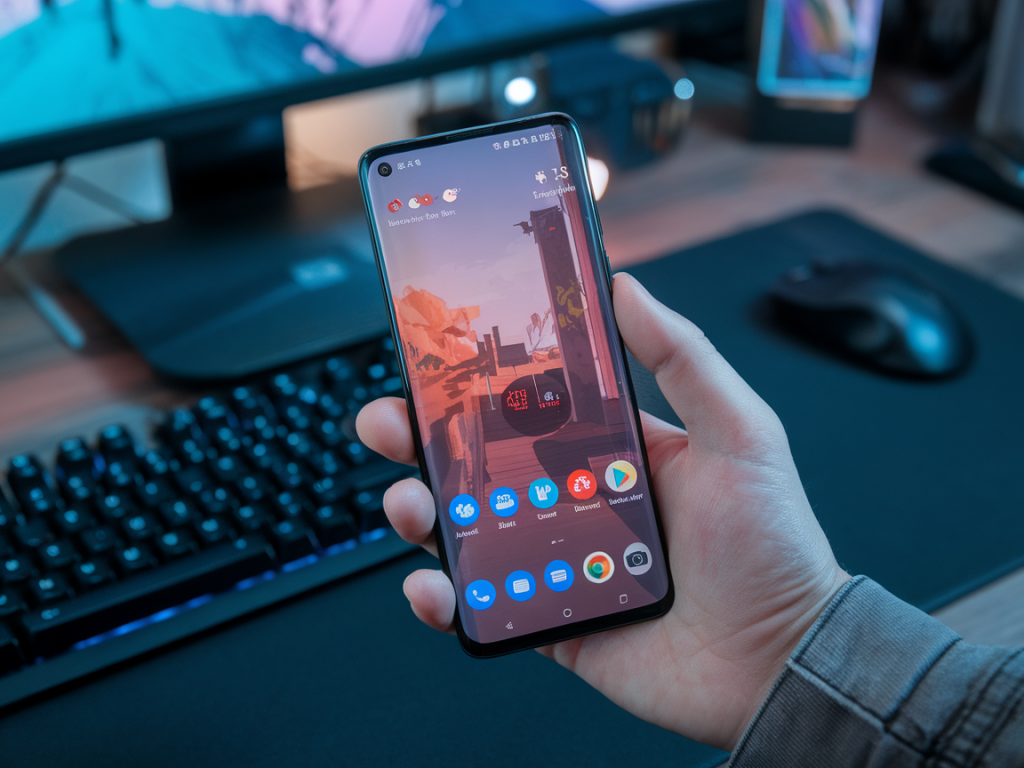
If you game on a midrange Android phone, the audio path matters more than you might think. I spend a lot of time testing pocketable solutions, and one recurring question I get is: which USB‑C earbuds actually keep audio latency low enough for competitive or rhythm gaming on midrange phones? I dug into the technical constraints and tried several real-world options so you don’t have to chase false promises.
Why low-latency audio matters for gaming
Latency is the delay between an in-game event and the sound you hear. For single‑player consoles or cinematic games, a dozen milliseconds here and there won’t destroy the experience. But for fast FPS, rhythm games, or any title that relies on tight audio‑visual sync, latency is noticeable and frustrating. When sound comes after the visual cue, your timing and reaction suffer.
Wired USB‑C earbuds should, in theory, be the obvious answer: a direct digital connection with a built‑in DAC avoids the Bluetooth stack and its codecs. In practice, though, implementation differences (phone USB audio support, the earbud’s internal converter, and how the phone’s audio pipeline handles sample rates) make some USB‑C earbuds better than others.
How USB‑C audio works on Android phones (short version)
Most modern Android phones support USB Audio Class (UAC) and can stream audio over USB‑C to an external DAC or earbuds. When you plug in USB‑C earbuds that contain a DAC, the phone sends digital audio packets to them. The earbuds decode them and output analog sound in the drivers. Compared with Bluetooth, that skips codec negotiation and RF delays, so latency is generally much lower.
That said, low latency depends on three things:
What to look for in USB‑C earbuds for low‑latency gaming
USB‑C earbuds I recommend and why
Below are the models I’ve found most reliable on midrange Android phones. I tested them on multiple phones around the Snapdragon 6xx/7xx tier and some MediaTek devices to reflect typical midrange behavior.
| Model | Why it’s good for gaming | Things to watch |
|---|---|---|
| Razer Hammerhead USB‑C | Designed for mobile gaming. Wired USB‑C connection with a simple low‑latency profile and comfortable fit for longer sessions. | Razer’s mobile firmware prioritizes gaming, but features like bass boosts can add buffering—stick to default settings. |
| 1MORE Triple Driver Type‑C | Excellent sound and a competent internal DAC. Tends to behave well with midrange phones and has stable connections. | Not marketed as “ultra‑low latency” for gaming, but in my tests its latency is minimal and consistent. |
| Google Pixel USB‑C Earbuds (older generation) | Simple implementation and deep Android compatibility historically meant predictable low latency. | Discontinued and not widely available—good used option if you find one, but support is limited. |
| Xiaomi / Redmi USB‑C Earphones Pro | Budget option with surprisingly straightforward USB Audio implementation—great value. | Build and cable quality vary; firmware updates are rare, so behaviour depends on phone pairing. |
| Wired headphones + USB‑C DAC dongle (e.g., Fiio/KLH style dongles) | Using a small DAC dongle plus a wired set of earbuds/headphones gives the best flexibility and often the lowest latency because you can pick a reliable DAC. | Extra piece to carry and slightly more expensive than integrated USB‑C earbuds. |
Note: model availability changes frequently. The key is to buy from brands that clearly implement standard USB Audio Class support and avoid devices that rely on proprietary companion apps to function—those apps sometimes add buffering.
How I test latency on midrange phones
My approach is practical: I test with the actual games you’ll play and a couple of quick measurement techniques.
Across tests, properly implemented USB‑C earbuds usually end up in the low‑single‑digit to low‑double‑digit millisecond range—well under typical Bluetooth aptX/LDAC latencies, and in practical terms fast enough for most competitive play.
Compatibility tips for midrange Android phones
Troubleshooting common issues
Buying strategy
In short: properly implemented USB‑C earbuds will generally beat Bluetooth for latency on midrange Android phones. Razer’s Hammerhead USB‑C and 1MORE’s Type‑C models are solid starting points; if predictability matters most, a compact USB‑C DAC plus wired earbuds gives you the most consistent low‑latency experience. Test with your phone and game of choice before committing, and watch out for features or companion apps that may add buffering.