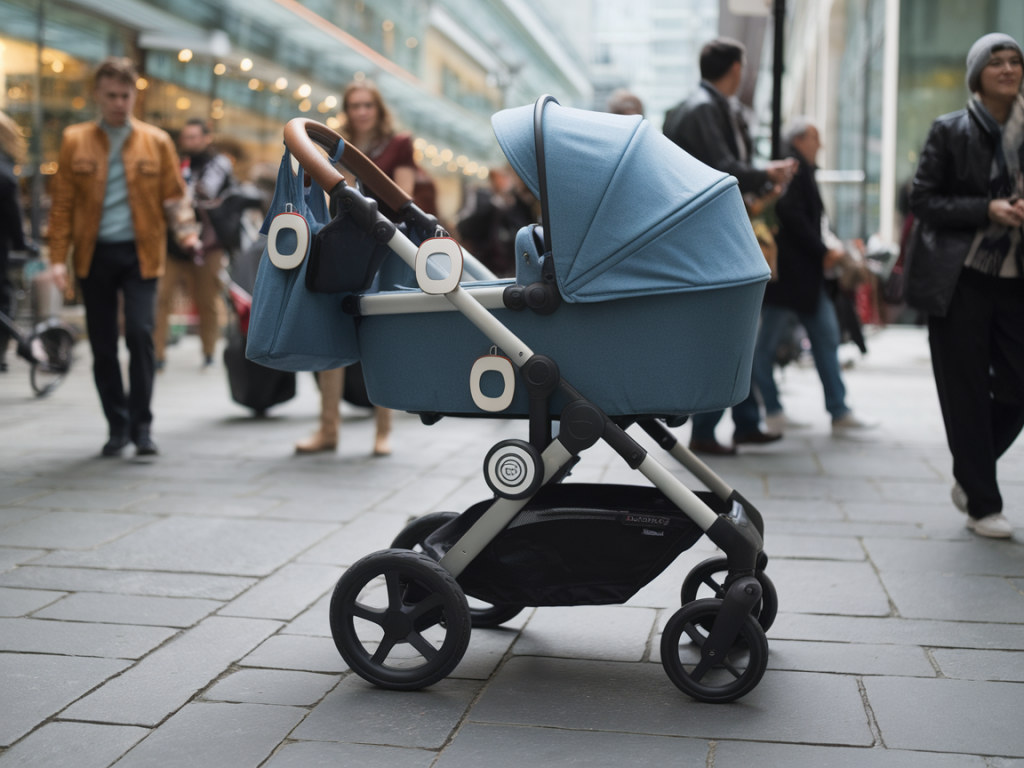
I took an Apple AirTag on a week of tests around my city stroller routes — commuting by foot, visiting crowded markets, and pushing a buggy across tram platforms — to answer a simple but practical question: can an AirTag reliably help me find a stroller in busy city centres? Spoiler: yes, with caveats. Below I explain what worked, what didn’t, and how to place and secure an AirTag for the best chance of quick recovery.
How AirTags find things: the basics in real life
AirTags use Bluetooth Low Energy (BLE) to broadcast a rotating identifier. Nearby Apple devices in the Find My network (millions of iPhones, iPads, and Macs) can pick that up and relay the tag’s location to iCloud — anonymously — so you can see it on a map. If you’re close enough and have an iPhone with a U1 chip (iPhone 11 and later), Precision Finding will use ultra‑wideband (UWB) to give on‑foot directional guidance.
In a quiet park or a clear-line-of-sight spot, that system works impressively well. In busy city centres, the variables multiply: buildings block signals, crowds create multipath reflections, and the density of Find My reporters can either help (lots of relays) or confuse the exact direction (many pings from different devices).
Real-world range and accuracy I observed
Here’s what I saw during repeated real-life trials with one AirTag attached to a mid-size pram frame:
| Situation | Typical visible location | Precision Finding |
|---|---|---|
| Open pavement with line of sight | 30–50 m ping possible; map location within ~5–10 m | Very accurate, room-to-object (1–3 m) |
| Crowded market street | 5–30 m, sometimes jumpy because multiple relays | Often unavailable or inconsistent |
| Underground tram platform / enclosed concourse | Rarely visible until you get above ground; occasional short-range pings | Not available |
| Indoor cafe with many people | 5–20 m; reported location could jump as different phones relayed it | Sometimes works if you’re within a few metres |
Bottom line: Bluetooth range in practice is often 5–30 metres in dense urban areas; the Find My network can show your stroller’s location farther away if it’s been relayed by another Apple device, but precise directional guidance is only reliable when you’re within UWB range and have a clear path.
False positives and confusing map jumps — what causes them
People worry AirTags will give false positives or point to the wrong place. In my tests the common causes were:
I had two instances where Precision Finding pointed the wrong way: once near a glass-fronted office block (reflection), and once when I was above the stroller on a bridge (signal traveled through a gap and made the ping seem off by ~10 m). These are edge cases, but worth knowing.
Best placement for a stroller: where to hide it without hiding the signal
Placement matters more than people expect. You want the AirTag secure and discrete, but not buried behind thick metal or deep in a zip that will block signals. My top picks:
Tip: test the chosen placement before relying on it — walk 20–30 m away and check how the map behaves and whether Precision Finding still works when you come back.
Security, privacy and unwanted-tracking alerts
Apple built anti‑stalking measures into AirTags: if an AirTag not registered to your Apple ID moves with you, iOS will eventually alert you with “Unknown Accessory Detected.” That’s good for privacy but can also trigger a false alarm if someone else’s AirTag happens to be near you for a while. I tested this by carrying an unpaired AirTag in a shopping bag — my phone did eventually alert me after a few hours of shared movement.
If you’re attaching an AirTag to your stroller and someone else’s AirTag gets close, you won’t get a notification just because you’re near them. The alert triggers when an AirTag appears to be moving with you over time. For parents, this means AirTags are safe from misuse by designed constraints — but also that they aren’t intended for live, real-time tracking of people.
Battery life and maintenance
AirTags use a CR2032 coin cell and Apple says roughly one year of battery life for typical usage. In my testing with frequent location checks and a lot of movement, I still saw close to a year. The battery is user‑replaceable and iOS warns you when it’s low. Also keep iOS updated — Apple refines Find My behaviour on updates.
When to use an AirTag and when not to
AirTags are great if:
Consider alternatives if:
Practical checklist before you rely on an AirTag for a stroller
In short: AirTags can reliably help you find a stroller in busy city centres, but expect occasional map jumps and don’t treat them like a live GPS tracker. With thoughtful placement, a quick pre‑test, and the right accessories, they’re one of the simplest and most cost‑effective tools I’d recommend for keeping tabs on a buggy when you’re out and about.