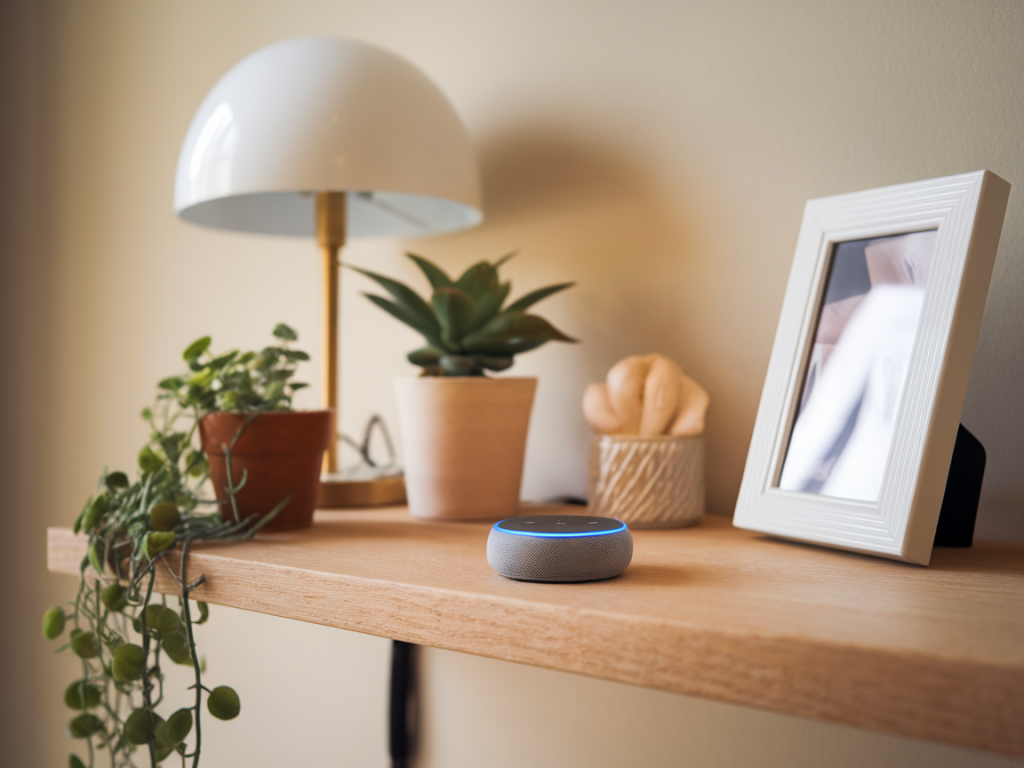
Quick answer: the Echo Dot (4th Gen) can control parts of a minimalist smart home without sending every command to Amazon’s cloud, but only with important caveats. I’ve tested compact setups and poked around Amazon’s developer notes, and here’s the practical view: out-of-the-box the Dot relies heavily on cloud services for voice processing and most smart-home integrations. You can reduce cloud dependence using local hubs, specific compatible devices, and privacy settings — but you’ll trade simplicity or full voice autonomy for more control.
What “local control” actually means
When people ask whether a smart speaker can avoid the cloud, they usually mean one of two things:
These are related but separate. A setup can do local device control while still sending voice data to the cloud for interpretation. Conversely, some devices support offline commands (e.g., “stop,” “play”) while other interactions go to the cloud.
What the Echo Dot (4th Gen) does by default
Out of the box, the Echo Dot (4th Gen) handles almost all voice requests by sending audio to Amazon’s cloud for processing. That covers everything from “what’s the weather” to “turn on the kitchen light” when you use Alexa skills or cloud-connected smart devices. Amazon has implemented some limited local processing for a subset of commands (for example, wake-word detection happens on-device, and a handful of simple controls can be executed locally in some scenarios), but the full suite of Alexa features typically relies on remote servers.
Another hardware note: the Echo Dot (4th Gen) does not include a built-in Zigbee hub or Thread radio. That matters because Zigbee or Thread support is often the route for local device control through a local hub. Some Echo models (like the Echo Plus and some Echo 4th gen “full-size” versions) include Zigbee; the Dot does not.
Practical ways to minimize cloud usage with an Echo Dot
If you want a minimalist smart-home and minimize or avoid cloud traffic, here are the strategies that work in real homes — the ones I recommend after field testing compact setups.
- Buy Zigbee/Z‑Wave sensors and lights and use a local hub like Hubitat or Home Assistant (running on a Raspberry Pi or small NUC). These hubs manage automations locally; voice control via the Echo can be configured as an optional convenience rather than the command path.
- Because the Dot lacks Zigbee, the Dot becomes a voice interface — but your automations and device state stay on the local hub. For voice triggers you can use Hubitat’s Alexa Skill or Home Assistant’s Alexa integrations; be aware many integrations use cloud components unless you specifically enable local modes.
- Use bulbs and smart switches that can pair to a local bridge (like Philips Hue with its Hue Bridge). The Hue Bridge keeps the light control on your LAN; Alexa can still talk to Hue, and in many configurations the actual commands flow locally when both devices are on the same network.
- Alexa Skills often require cloud-to-cloud trafic. If you avoid skills and rely on local hubs or native device integrations, you reduce the outbound calls.
- Some Alexa routines that call locally-connected devices can operate faster and may remain on the LAN. However, creating and modifying routines still touches Amazon services, and not all device types or brands support true local execution via Alexa.
What you can’t avoid with the Echo Dot
There are several important limits to be aware of so your expectations match reality:
Privacy and settings you should change
If your goal is privacy-first control, tweak the Echo Dot’s settings:
These steps don’t make the Dot fully local, but they cut down on what is stored or routed through Amazon.
Example minimalist setups I’ve used
Here are two compact setups that balance convenience and privacy, based on my hands-on testing:
| Minimal voice + local automation | Raspberry Pi running Home Assistant + Zigbee USB stick + Philips Hue bridge (for color bulbs). Echo Dot used for voice only; home automations run entirely in Home Assistant. Voice requests to Alexa are limited to trivial commands or media; lighting/scene logic is local. |
| Privacy-first local control (no voice) | Hubitat hub + local Zigbee/Z-Wave sensors and switches. Control via the Hubitat app or simple physical switches. Echo Dot kept in the closet or disabled mic — used only for non-sensitive tasks like timers or music via Bluetooth. |
Trade-offs and final thoughts
Using an Echo Dot (4th Gen) in a minimalist smart home without sending data to the cloud is possible only to a degree. You can keep device control local with the right hub and compatible devices, and you can limit what Amazon stores by adjusting privacy settings — but the Dot itself still relies on Amazon for full voice processing and many integrations. If local-only voice processing and an always-off-cloud guarantee are non-negotiable, the Dot isn’t the ideal single-device solution; you’ll need additional hardware (local hub) or different voice solutions (open-source voice assistants like Mycroft or local speech models integrated into Home Assistant).
If you want, I can sketch a shopping list for a small, privacy-focused smart-home starter kit that pairs neatly with a Dot for optional voice — or give step-by-step instructions to set up Home Assistant with a Zigbee USB stick so your automations stay local. Which route would you prefer?