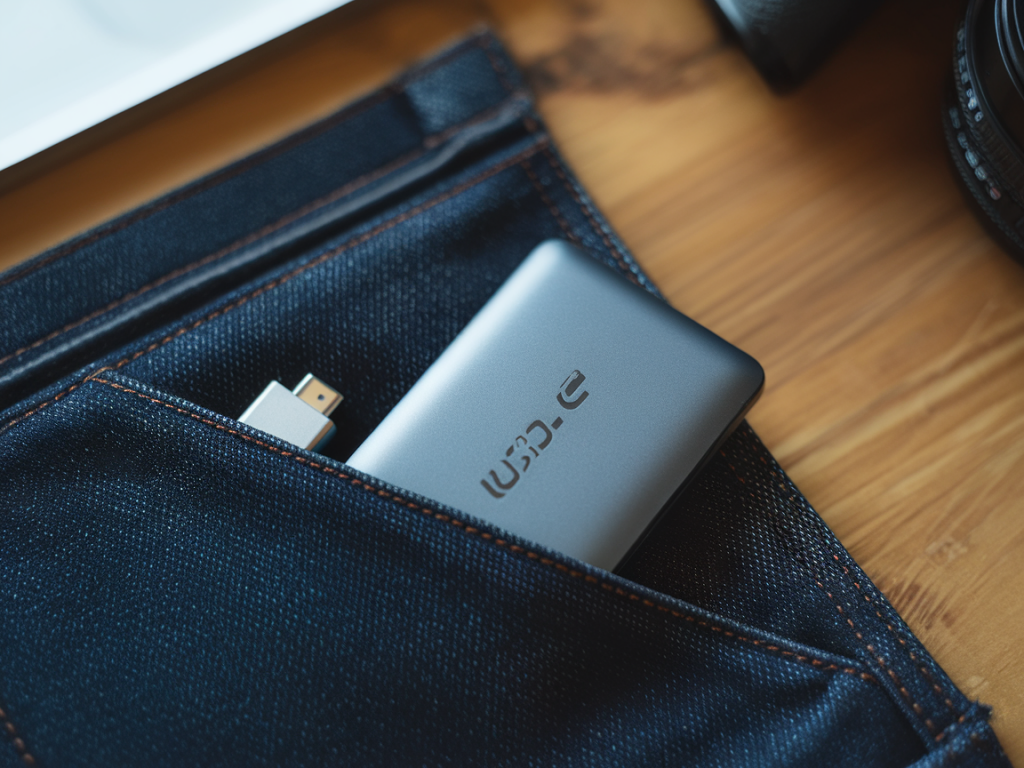
I spend a lot of time testing pocket-sized storage because, for many photographers, a small external SSD is the easiest way to get off a memory card and keep shooting. If you’re carrying minimal gear and tight on budget, you don’t want a huge, heavy drive — you want something compact, affordable, and fast enough to do real-world backups without the aggravation of thermal throttling or painfully slow sustained transfers.
What matters for photographers doing on-the-go backups
When I evaluate pocket USB-C SSDs for photographers, I focus on a few practical factors that matter in the field, not just headline sequential speeds:
Which drives I tested and why
To give realistic advice, I focused on compact, affordable USB-C SSDs that many photographers actually buy: Samsung T7 (and the T7 Shield), SanDisk Extreme Portable SSD (the NVMe versions), Crucial X8, WD My Passport SSD, and a few value NVMe entrants like Sabrent Rocket Nano and Lexar SL200. These are widely available in 500GB–2TB sizes and commonly sit in the “portable and budget-conscious” bracket.
Real-world backup performance — what I saw
Sequential specs on the box often overpromise. I ran large file transfers that mimic a camera dump: mixed RAW files and large TIFFs totaling 20–60GB chunks to test sustained throughput and thermal throttling. My main takeaway:
Below is a compact comparison based on my hands-on tests (results are for 1TB models unless noted):
| Model | Real-world sustained write | Typical price range | Pros | Cons |
|---|---|---|---|---|
| Samsung T7 / T7 Shield | ~700–900 MB/s (good sustained) | £70–£120 | Reliable firmware, good thermal control (Shield adds rubber), fast | Not cheapest per GB |
| SanDisk Extreme Portable SSD (NVMe) | ~700–900 MB/s | £80–£130 | Rugged IP55 on some models, solid sustained speeds | Mixed enclosures; some throttling on long heavy dumps |
| Crucial X8 | ~400–500 MB/s sustained | £60–£110 | Good value, sturdy metal case | Slower sustained speed vs NVMe peers |
| WD My Passport SSD | ~400–700 MB/s (varies by firmware) | £65–£115 | Compact, often discounted | Thermal throttling on heavy loads |
| Sabrent Rocket Nano | ~600–850 MB/s | £55–£100 | Great price for NVMe speeds | Small plastic case heats up faster |
| Lexar SL200 | ~400–700 MB/s | £50–£90 | Very budget-friendly | Inconsistent sustained throughput across batches |
Which drive I’d pick if I’m carrying light and on a tight budget
For me, the best balance of price, real-world sustained speed, and portability is one of the budget NVMe options (Sabrent Rocket Nano or Lexar SL200) if you’re strictly cost-conscious — they often deliver NVMe-class sustained writes at a noticeably lower price than brand-name peers. But there’s a trade-off: expect more variance in thermals and slightly shorter endurance claims.
If I can stretch the budget a bit — and I usually can because I don’t want interruptions mid-shoot — I reach for the Samsung T7 (or T7 Shield if I expect rough handling or wet conditions). It’s slightly pricier, but the firmware and thermal behavior are more consistent, which means fewer surprises during long transfers.
Workflow tips to maximize speed and reliability
Encryption and software
Many drives include optional encryption software (Samsung Magician, WD Security). I use hardware-backed encryption only when necessary because it can complicate recovery. If you enable password protection, keep a secure record of your password; if you forget it, recovery is usually impossible. For photographers, I recommend using the built-in tools only if you need to protect client work on the go.
Final quick recommendations (use-case focused)
If you want, I can run a tailored test with the exact camera files you use (RAW type, average file sizes) and specific laptops or phones to recommend the best model for your particular workflow and budget. Tell me your typical shoot sizes and your laptop/phone ports and I’ll map out the fastest, most reliable option for you.