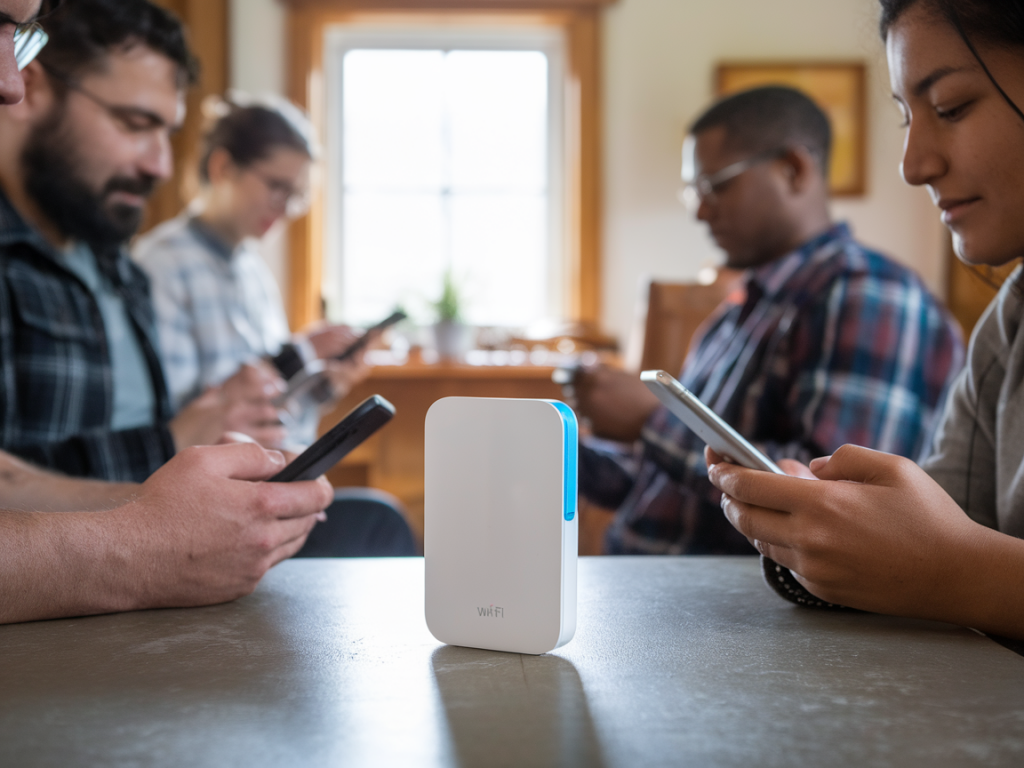
I recently spent a damp weekend in a stone cottage with patchy broadband and three friends — the perfect low-stakes lab for a real-world Wi‑Fi stress test. I wanted to know if a £30 pocket Wi‑Fi repeater could reliably keep four people streaming, video calling, and browsing without frequent buffering or drops. Spoiler: the answer isn't a simple yes or no, but the details matter — and they're exactly the sort of trade-offs I care about.
What I tested and why
I brought a sub-£30 plug-in Wi‑Fi repeater that’s widely available under brands like TP-Link and Mercusys (models vary by region). These compact repeaters promise to "boost" an existing Wi‑Fi network and are appealing because they're cheap, tiny, and simple to set up via WPS or a phone app. For this weekend test I focused on:
My group: one person streaming Netflix HD on a laptop, another watching YouTube 1080p on an iPad, a third on a video call (Zoom) on a phone, and me browsing, uploading photos, and occasionally streaming music. The cottage's main router sat in a corner bedroom with weak signal in the kitchen and living room — a realistic scenario for many rental properties.
How I measured performance
I use simple, repeatable checks rather than lab gear: speedtest.net for throughput, built-in app indicators for buffering, Zoom/Teams for call quality, and a few pings to a nearby server to track latency and packet loss. I also monitored real-life experience for 8–10 hours across two days rather than one brief benchmark.
Key metrics I tracked:
Setup and placement — the most important factor
Cheap repeaters are very sensitive to placement. They don't magically create bandwidth — they rebroadcast what the router provides, and that rebroadcast can halve maximum throughput if the repeater connects to the router using the same channel (single-radio devices). Based on that, I tried two setups:
Result: the second setup always performed better. With the repeater too close to the living room (far from the router), the repeater's link to the router weakened and throughput tanked. With it closer to the router, client devices saw a stronger, more stable network.
Real-world results
Here’s a summary table of typical metrics I recorded in three locations (router room, midway, living room) with and without the repeater active. Numbers are averages from multiple runs.
| Location | Without repeater (DL/UL Mbps, ping ms) | With repeater (DL/UL Mbps, ping ms) |
|---|---|---|
| Router room | 45/8 Mbps, 20 ms | 40/7 Mbps, 22 ms |
| Midway (hallway) | 18/4 Mbps, 35 ms | 26/5 Mbps, 30 ms |
| Living room | 6/1.2 Mbps, 60 ms | 18/3.8 Mbps, 35 ms |
Bottom line: the repeater raised living room download speeds from around 6 Mbps to roughly 18 Mbps — enough for a single 1080p stream or two simultaneous lower-bitrate streams. Latency improved noticeably compared to the weak direct signal, which helped Zoom calls remain usable.
How four people streamed at once
With the repeater placed for a strong backhaul, the group's experiences were:
That equates to "four people streaming" only if expectations are modest: 1–2 solid HD streams and a couple of lower-resolution streams or video calls. If everyone demands full 4K streams or gaming with low latency, a £30 repeater won't cut it.
Stability, annoyances and limits
Cheap repeaters are not set-and-forget the way a mesh system is. During the weekend I saw:
Another limitation: single-band or single-radio repeaters require the same frequency to serve both router and clients, so the effective peak speed halves in practice. Dual-band repeaters can do better if they dedicate one band as backhaul, but at this price point expect compromises.
Practical tips if you try one
When a £30 repeater makes sense — and when to spend more
A budget repeater is a great low-cost fix for:
Spend more if you need:
For many weekend scenarios like mine, a £30 repeater is a pragmatic choice: it won’t match a proper mesh or a wired access point, but with the right placement and sane expectations it can turn an unusable living room signal into a workable one for four people — provided not everyone is demanding top-tier streams at once.
If you want, I can recommend specific models I tested or a short checklist to decide if a repeater or a cheap mesh node is better for your situation. I can also put together a quick how-to for placing a repeater in stone-walled properties — those thick walls change the game more than most people realise.