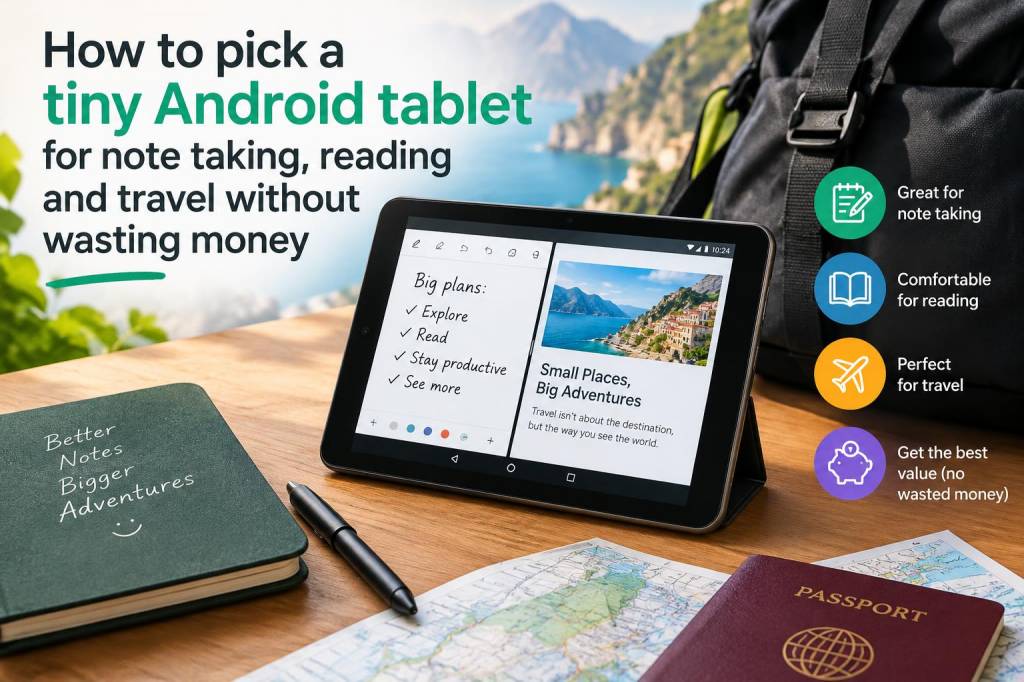
When I shop for a tiny Android tablet, I start with a simple question: what will I actually do with it every day? If I want something for note taking, reading, and travel, I do not care much about flashy benchmark numbers or giant marketing claims. I care about comfort, battery life, screen quality, portability, and whether it feels pleasant to use for long sessions without draining my patience or my wallet.
I have tested enough small devices to know that a cheap tablet can become expensive very quickly if it annoys you in basic use. A dim display, weak speakers, poor handwriting response, or sluggish performance can turn a “smart buy” into a drawer item. So when I look for a compact Android tablet, I focus on real daily use, not on the spec sheet alone.
What I want from a compact tablet
For note taking, reading, and travel, I usually want three things first: a screen that is easy on my eyes, a body that slips into a bag without effort, and enough power to stay responsive when I switch between notes, books, browser tabs, and travel apps. That means I pay attention to size before anything else.
A tablet around 8 to 10 inches often hits the sweet spot. Smaller than that, and handwritten notes can feel cramped unless you truly love a pocket-sized format. Larger than that, and the device starts losing the travel advantage that makes a compact tablet appealing in the first place.
I also think about whether I want a tablet that feels more like an e-reader replacement or more like a mini laptop companion. That decision changes almost everything. If I mainly read and annotate, I can accept modest performance. If I want to split-screen notes, PDFs, email, and maps, I need more memory and a faster chip.
Screen quality matters more than raw size
For reading, a good screen can matter more than any other feature. I look for at least a sharp enough resolution that text stays crisp at normal reading distance. Cheap low-resolution panels can make long reading sessions tiring because letters do not look clean, especially on dense pages or small font sizes.
Brightness is just as important. I have used tablets that looked fine indoors and became nearly useless near a window or on a train. If I plan to travel, I want a display that can stay readable in daylight or bright indoor spaces. A matte finish can help with reflections, but it is not a substitute for real brightness.
For note taking, touch response matters too. If I use a stylus, I want quick inking, low lag, and no strange delay between my hand and the line on screen. I do not need artist-level precision, but I do need consistent response. If a tablet feels frustrating during fast handwriting, I stop using it for notes very quickly.
Performance that feels smooth, not impressive on paper
I do not chase extreme specs in this category, but I do avoid weak hardware. A tiny Android tablet should feel smooth enough for reading apps, note apps, browsing, and light multitasking. That usually means I prefer a modern midrange processor and enough memory to keep apps from reloading constantly.
For my use, 4 GB of RAM is the bare minimum, and 6 GB or more feels much better if I keep several apps open. Storage also matters because note apps, offline books, downloaded PDFs, maps, and cached media add up quickly. I try not to buy less than 64 GB unless the tablet has strong microSD support and I know I will use it carefully.
Android version and software support are easy to ignore at first, but I think they matter a lot. A cheap tablet with outdated software can become annoying faster than expected. I want a device that receives security updates, stays compatible with current apps, and does not feel abandoned shortly after purchase.
Battery life for actual travel days
Battery claims on product pages can be optimistic, so I treat them as a rough hint rather than a promise. For travel, I want a tablet that can survive a day of mixed use: reading on transport, quick note taking, maps, some browsing, and a few video clips. If a tablet only lasts a short time once brightness and wireless features are active, it is not a true travel companion.
I also pay attention to charging speed and port type. USB-C is my preference because it keeps packing simple and reduces cable clutter. Fast charging is helpful, but I still value a device that sips power reasonably well during quiet use. A tablet with strong standby time can be especially useful if I do not use it every single day.
Weight and shape affect comfort more than people expect
A tablet can have a respectable screen and still feel unpleasant if it is awkward to hold. When I read in bed, on a plane, or on a train, I notice weight very quickly. A lighter tablet is easier to hold for long sessions, but balance also matters. A device that feels top-heavy can be more tiring than a slightly heavier model with a better center of gravity.
Rounded edges, a grippy back, and a reasonable bezel design can make a big difference. I prefer a tablet that I can hold one-handed for short reading sessions without feeling like I am fighting the hardware. If I plan to write notes for a long time, I also look for a tablet that pairs well with a folio case or stand.
My feature priority list
When I compare compact Android tablets for this use case, I usually rank features in this order:
Brands and models I watch closely
I do not think brand names should decide everything, but a few manufacturers often appear in this space. Samsung has a strong reputation for display quality and software polish in many of its tablets, though price can climb quickly. Lenovo sometimes offers interesting value in compact tablets, especially when I want a practical reading and media device without a premium cost. Amazon’s Fire tablets are tempting for price, but I usually see them as a separate ecosystem choice rather than a straightforward Android tablet purchase.
For me, lesser-known brands can still be interesting if they get the basics right, but I inspect them more carefully. I check reviews for touch response, display consistency, battery behavior, speaker quality, and long-term software reliability. A low price is not a bargain if the tablet becomes frustrating after a week.
What I would not pay extra for
Some features look exciting but do not matter much for my use case. I rarely pay extra for high-end gaming performance in a tiny tablet meant for reading and notes. I also do not need flagship-level camera hardware on a travel tablet, because I already carry a phone for photos. Very fast refresh rates are nice, but for reading and note taking, I value color accuracy, brightness, and smooth scrolling more than a flashy number.
I am also careful with bundled accessories. A keyboard case can be useful, but if I mainly want a compact reading and writing device, I do not want to pay for a package that makes the tablet bulkier than necessary. A stylus bundle can be worthwhile only if the stylus works well and the note app experience feels stable.
A simple comparison I use before buying
| Use case | What I prioritize | What I can ignore |
| Reading | Sharp screen, brightness, comfort, battery life | High-end chip, gaming features |
| Note taking | Stylus response, app stability, RAM, screen size | Advanced camera system |
| Travel | Weight, battery life, USB-C, offline storage | Large display, premium materials if price rises too much |
Questions I ask before buying
Before I click buy, I ask myself a few practical questions. Will I really carry this tablet often enough to justify the cost? Will I use it more as a reading device or as a note device? Do I need stylus support right away, or can I live without it? Will I be annoyed by a smaller screen when reading PDFs? Do I need cellular connectivity, or is Wi-Fi enough for my routines?
I also think about repairability and accessory availability. A tablet that has cases, screen protectors, and compatible styluses available is easier to live with. If I travel a lot, those small conveniences matter more than they first appear.
In my experience, the smartest compact Android tablet purchase is usually not the cheapest one and not the most powerful one. It is the one that feels balanced: good enough to write comfortably, pleasant enough to read for a long time, and light enough to travel with without hesitation. When I focus on that balance, I waste less money and end up with a device I actually use every day.