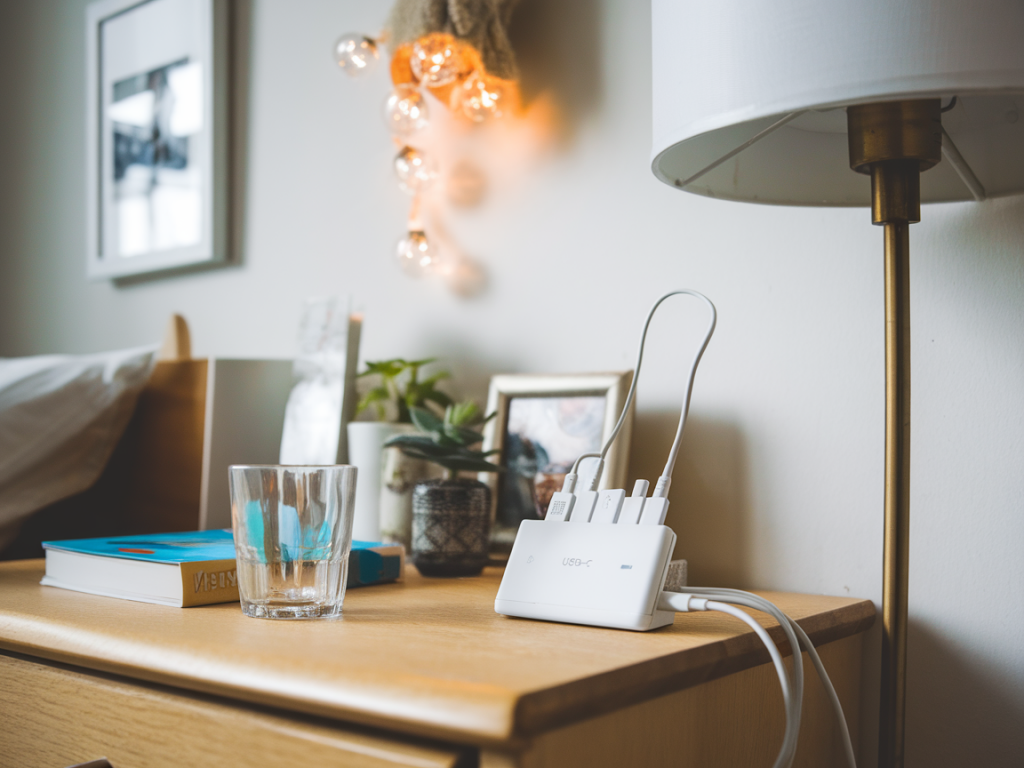
I’ve spent years testing compact tech and optimizing small spaces, and one of the simplest upgrades I keep recommending is a well-designed bedside charging station. A multiport USB‑C hub can transform a tangled mess of cables and plug bricks into a tidy, reliable corner that charges phones, earbuds, a smartwatch, and even a tablet — without stealing closet or nightstand space. Below I walk you through my practical setup, the parts I use, and tips to keep things looking neat and working reliably.
Why a multiport USB-C hub is the best foundation
Most of us have gradually accumulated chargers: one for phone, one for tablet, another for earbuds, and a spare for guests. That means multiple wall adapters, different cable types, and a nightstand full of clutter. A multiport USB‑C hub with integrated power delivery (PD) solves that by centralizing power into a single, often compact, device.
I prefer hubs that offer at least one high‑wattage USB‑C PD port (45–100W depending on needs) plus several USB‑A or USB‑C downstream ports for phones and accessories. Features I look for:
What I keep on my bedside station
Minimalism is about choice, not sacrifice. Here’s what I typically include (you can adapt):
Choosing cables and accessories that keep clutter down
Cables matter. Long, floppy wires are the fastest way to make even the tidiest setup look messy. I keep everything short and intentional.
Placement and ergonomics
Where you put the hub matters as much as what it is. I follow a few rules:
Cable management tricks I use
Small tweaks prevent big tangles. These are my go-to tricks:
Power and safety considerations
When you centralize charging, safety becomes more important because you’re drawing more power through a single adapter. I always check:
Simple setup guide (my step‑by‑step)
Here’s the quick setup I follow when building a bedside station from scratch:
| Item | Why I like it | Typical placement |
|---|---|---|
| USB‑C PD hub (60–100W) | Central power source, charges laptop/tablet and phone | Back edge or underside of nightstand |
| Short 30cm cables | Neat, usable, less visual clutter | Across tray to each device |
| Silicone cable clips | Hold connectors accessible, reduces drops | Near front edge of nightstand |
| Small tray | Contain loose items, neat appearance | Front center for easy reach |
Brands and models I’ve tried
I often test Anker for reliable, compact PD hubs — the Anker PowerPort Atom series balances size and power well. Satechi makes aesthetically pleasing hubs that fit modern nightstands and provide solid PD. For budget buys, Aukey and Baseus have options with enough ports and decent PD performance; I just check reviews for heat and watt distribution first.
If you prefer wireless, the Belkin BoostCharge Magnetic Wireless Charger works well for MagSafe‑compatible phones, and some 2‑in‑1 pads combine watch and phone charging to reduce the number of cables. Pair those with a small multiport hub and you’ve essentially got a minimalist wireless+wired hybrid dock.
Set it up once with intention — the right hub, the right short cables, and a couple of organizers — and your bedside can go from chaotic to peaceful. It’s a small upgrade that pays off every night when you slide your phone onto a puck instead of digging through a nest of cords.