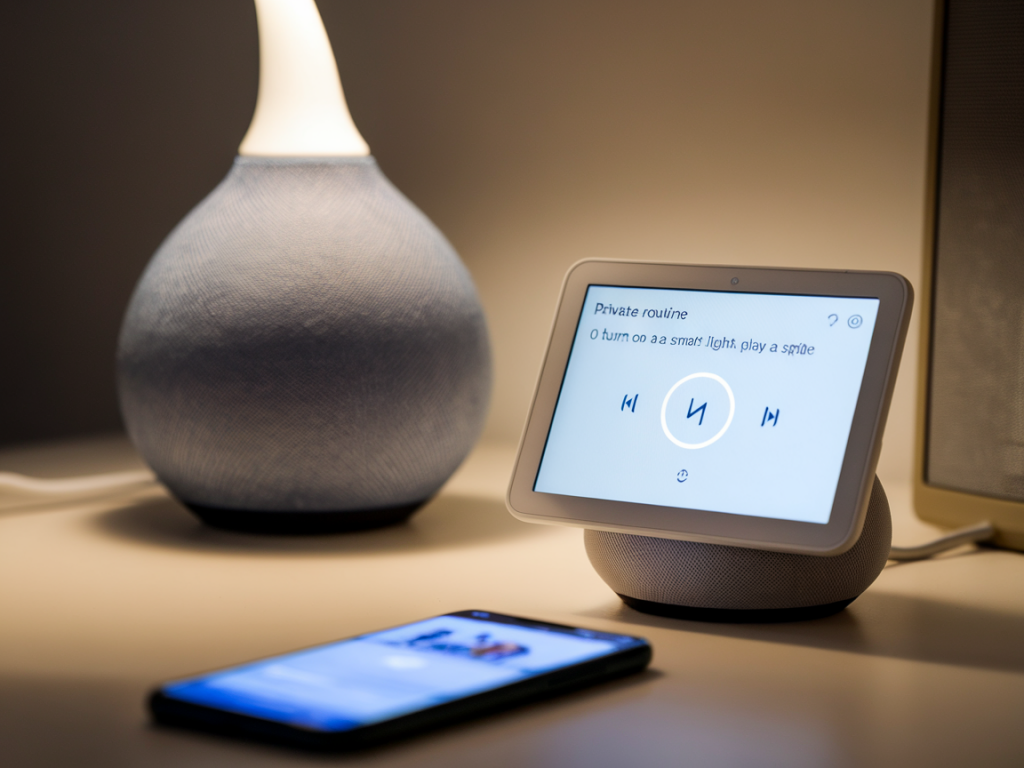
I admit — I love the convenience of saying “Hey Google, good night” and having lights dim, plugs turn off, and the thermostat set. But I also care about keeping as much of that automation as possible off the cloud. Over the last few years I've rebuilt my routines around the idea that the “smarts” should live locally when possible: faster response, continued operation during internet outages, and fewer things being sent to third‑party servers.
Why Google Home routines are often not private by default
Google Home routines are attractive because they centralise many devices into one voice trigger or schedule. The downside is that, by default, most of Google’s routines and third‑party integrations run through Google Cloud. That means routine triggers, devices states and sometimes logs are routed through Google's servers (and potentially the partner cloud). If you want to minimise that, you need to change where the automation runs — from the cloud to your local network or to the device/hub itself.
Local-first options (my recommended approaches)
There are three practical ways I use to keep automations local while still using Google Assistant as a front end when needed:
How I set this up — step by step with Home Assistant (my go-to)
Home Assistant (HA) is my preferred local hub because it runs entirely on your LAN and supports a huge range of devices (Zigbee, Z‑Wave, Wi‑Fi, MQTT). The idea is this: let HA manage the automations locally, and only expose a tiny, controlled interface to Google so you can still use voice if you want.
Steps I follow:
Example automation (YAML snippet I use for a “Good Night” virtual switch):
/* Home Assistant example */- alias: 'Good Night routine' trigger: platform: state entity_id: input_boolean.good_night_switch to: 'on' action: - service: light.turn_off entity_id: group.downstairs_lights - service: switch.turn_off entity_id: switch.living_room_plug - service: climate.set_temperature data: entity_id: climate.main_thermostat temperature: 18 - delay: '00:00:02' - service: input_boolean.turn_off entity_id: input_boolean.good_night_switchWith this setup the heavy lifting (turning devices off, setting scenes) happens locally inside HA. Google only toggles the virtual switch, so you keep cloud exposure minimal. If you want to avoid cloud altogether when using voice, pair Matter devices (see next section).
Matter and Thread: the local execution future
Matter is the industry push toward a standard that works locally. When a device is Matter‑certified, it can often execute commands locally through a Matter controller — and many Google Nest devices act as Thread border routers (Nest Hub 2nd gen, Nest Hub Max, some Nest Wi‑Fi routers).
How I approach Matter:
Note: Matter still needs some cloud functions for cross‑account or third‑party integrations, but day‑to‑day device control and many automations can be local.
Device-native schedules and hubs — the simplest privacy wins
Sometimes the simplest privacy trick is to let the device handle automation itself:
When possible I configure the device hub first, then use Home Assistant only for the extra logic that the hub doesn't support.
Privacy and hardening tips I use
Beyond architecture choices, I keep privacy tight with these practical measures:
Quick comparison: which approach to choose?
| Approach | Local execution? | Ease | Privacy | Best for |
|---|---|---|---|---|
| Home Assistant + virtual switch | Yes (automations run locally) | Medium (setup needed) | High (expose minimal) | Power users who want full control |
| Matter + Thread devices | Often yes (native local execution) | Easy to Medium | High (when paired locally) | Future‑proof, low‑latency voice control |
| Device hub schedules (Hue, Lutron) | Yes (on the hub) | Easy | High | Simplest private automations |
| Google Home native routines | No (cloud dependent) | Very Easy | Low | Users prioritising convenience over privacy |
Practical example: "Good Night" with minimal cloud
My current configuration for “Good Night”:
This gets me the best of both worlds: the convenience of a voice trigger when I want it, and the privacy and reliability of local execution for the actual automation logic.
If you want, I can walk you through a tailored plan for your current devices — tell me the brands you use and whether you're comfortable with Raspberry Pi, and I’ll sketch a step‑by‑step setup for local, private routines.