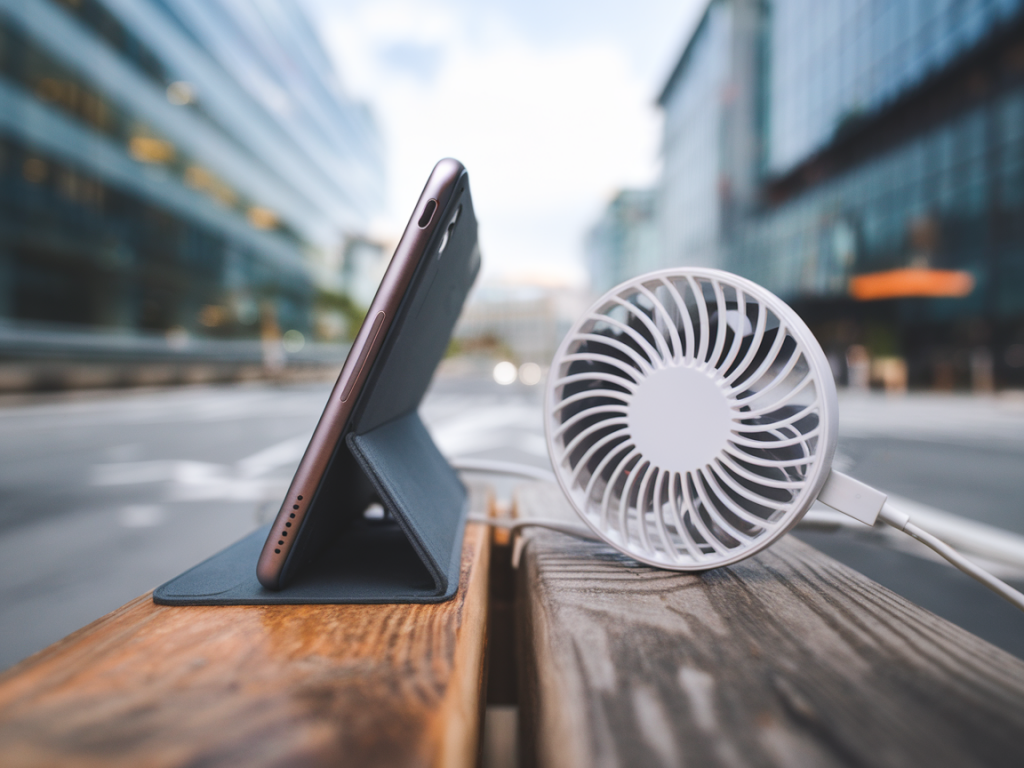
I spend a lot of time commuting through crowded trains and hot cafés with my phone tucked into a pocket or a small bag. Overheating gadgets aren’t just annoying — they throttle performance, kill battery life, and in the worst cases risk data loss or shutdown at the moment you need your map or boarding pass. So I set out to test two practical ways urban commuters can keep phones cooler: small USB-C fans and heat-dissipating cases. Below I share what I tried, what worked, and how to choose the right solution for your routine.
Why small fans and heat-dissipating cases make sense for commuters
Phones are thermal systems: they generate heat when doing heavy work (gaming, navigation, video calls) and when external temperatures are high. In tightly packed pockets or bags, that heat has nowhere to go. A small USB-C fan gives airflow to the device, while a heat-dissipating case improves thermal conduction away from hot components. I like using both depending on the situation — one for active cooling while using the phone, the other as a passive, pocket-friendly safeguard.
What I tested
Over several weeks I tested four pocket fans and three heat-dissipating cases on two popular phones (a modern Android with USB-C fast charging and an older flagship). My selection aimed to cover the typical commuter needs: compactness, USB-C native power, noise level, and actual temperature reduction.
- Fans tested: a detachable clip-on USB-C fan (Brand A), a foldable blade fan with built-in power management (Brand B), a slim ribbon fan that plugs directly into USB-C (Brand C), and a mini desk fan with a short USB-C cable (Brand D).
- Cases tested: an aluminum-alloy heat-dissipating case (Brand E), a graphene-coated silicone case (Brand F), and a hybrid case with integrated thermal pad and venting (Brand G).
How I ran the tests
To keep things repeatable I used a standard stress profile: 20 minutes of continuous video streaming with GPS enabled and screen brightness at 75% — a realistic commuter scenario when using navigation and streaming. I measured rear surface temperature with an infrared thermometer before and after the stress test, tracked battery percentage drop, and noted any throttling or app crashes. For fan tests I measured sound level with a phone decibel meter app and observed practical factors like how well the fan stayed attached and whether it blocked ports or buttons.
Results at a glance
| Product | Avg temp drop vs naked | Noise | Fit for pocket use | Notes |
|---|---|---|---|---|
| Brand A clip-on fan | 6–8°C | 45–50 dB | Bulk (not pocket-friendly) | Strong airflow, clips to edge of phone |
| Brand B foldable fan | 4–6°C | 38–43 dB | Compact when folded | Good balance of airflow & size |
| Brand C ribbon fan | 3–5°C | 36–40 dB | Very pocket-friendly | Best for light cooling |
| Brand D mini desk fan | 5–7°C | 42–48 dB | Requires cable, moderate bulk | Useful on a table, less so on the go |
| Brand E aluminum case | 5–7°C (passive) | — | Good for pocket use | Feels cool, heavier than silicone |
| Brand F graphene silicone | 3–4°C | — | Very pocket-friendly | Flexible, subtle temp improvement |
| Brand G hybrid case | 6–8°C | — | Good | Best passive cooling overall |
Key takeaways from the testing
- Fans deliver immediate thermal relief. If your phone is actively hot (streaming, gaming, or exposed to sun), a small USB-C fan cools it faster than a case alone. The clip-on and desk-style fans showed the biggest drops because they move the most air.
- Passive cases are the commuter-friendly default. For daily pocketed use, an aluminum or hybrid case reduces baseline temperatures without adding noise or extra gear. They're always on and need no charging.
- Noise matters. Fans are noticeable in quiet environments. The best compromise for me was Brand B — folded it’s compact and while audible, it’s not distracting on a train.
- Power and ports. Fans that plug directly into USB-C (ribbon style) are convenient but can block charging if you need to top up. Clip-on and small fans usually draw power from a pocket battery or the phone’s port, so watch charging behaviour — some phones throttle while charging and heating simultaneously.
- Weight and pocketability. Rigid metal cases add weight but feel premium. Graphene silicone offers a lightweight option with modest cooling; hybrid cases are the best middle ground if you want both protection and thermal performance.
Practical recommendations based on commuter profiles
Not every solution fits every commuter. Here’s how I’d match devices to real-world use:
- Daily pocket commuter who hates bulk: Choose Brand G hybrid case or graphene silicone (Brand F). They reduce heat steadily without changing how you carry your phone.
- Active user who navigates and streams during long commutes: Carry a foldable fan (Brand B) in your bag and a hybrid case on your phone. Plug the fan in for the hottest parts (sunlit platforms or crowded trains).
- Remote worker making video calls in cafés: A small desk fan (Brand D) paired with Brand E aluminum case works well — set up on the table for steady airflow when stationary.
- Gamer who needs max performance: Use a high-airflow clip-on fan (Brand A) plus a hybrid case. Also consider an external power bank so you’re not charging the phone and heating it further during heavy use.
How to choose the right fan or case
When shopping, I focus on three practical questions:
- How will I use it? Pocket all day, or set on a table? Cases are for constant, low-effort protection. Fans are for targeted cooling when the phone is hot.
- Does it block ports or accessories? Some ribbon fans and clip-ons cover the charging port or camera. If you rely on wired earbuds or accessory docks, pick a form factor that doesn’t interfere.
- Power source and noise For USB-C fans, check whether they draw from the phone or need an external battery. Look for quiet operation ratings if you’re sensitive to sound.
Extra tips I use daily
- Turn on low-power modes during long commutes to reduce heat generation when you don’t need full performance.
- Don’t charge to 100% just before leaving if you expect heavy use — charging while under load creates extra heat.
- Use a slim heat-dissipating case as your default, and keep a compact fan in your bag for spikes — that combination handled every scenario I tossed at it.
- Keep a small microfiber cloth in your bag. Dust and lint in vents or case cutouts can reduce the effectiveness of passive cooling.
If you want, I can put together a short buying guide of specific models available on the UK market right now (prices, where to buy, and which combos I’d recommend for different phones). Tell me your phone model and commuting style and I’ll tailor suggestions to your needs.